Creating DeliveryGo OAuth App
Integrate with DeliveryGo Public API using OAuth 2.0
The DeliveryGo OAuth 2.0 application enables external services to interact with DeliveryGo via REST API and webhooks.
Authentication and authorization are handled through the Client Credentials flow. After creating and installing an application, you'll receive a Client ID and Client Secret, which can be used to obtain an Access Token and Refresh Token for API requests. The application will have access to the entire organization's data within the granted permissions scope.
Creating an application
To create an integration, you need to have an DeliveryGo account with the Admin role. If you don't have an account, please contact your DeliveryGo administrator.
- Log in to your DeliveryGo account.
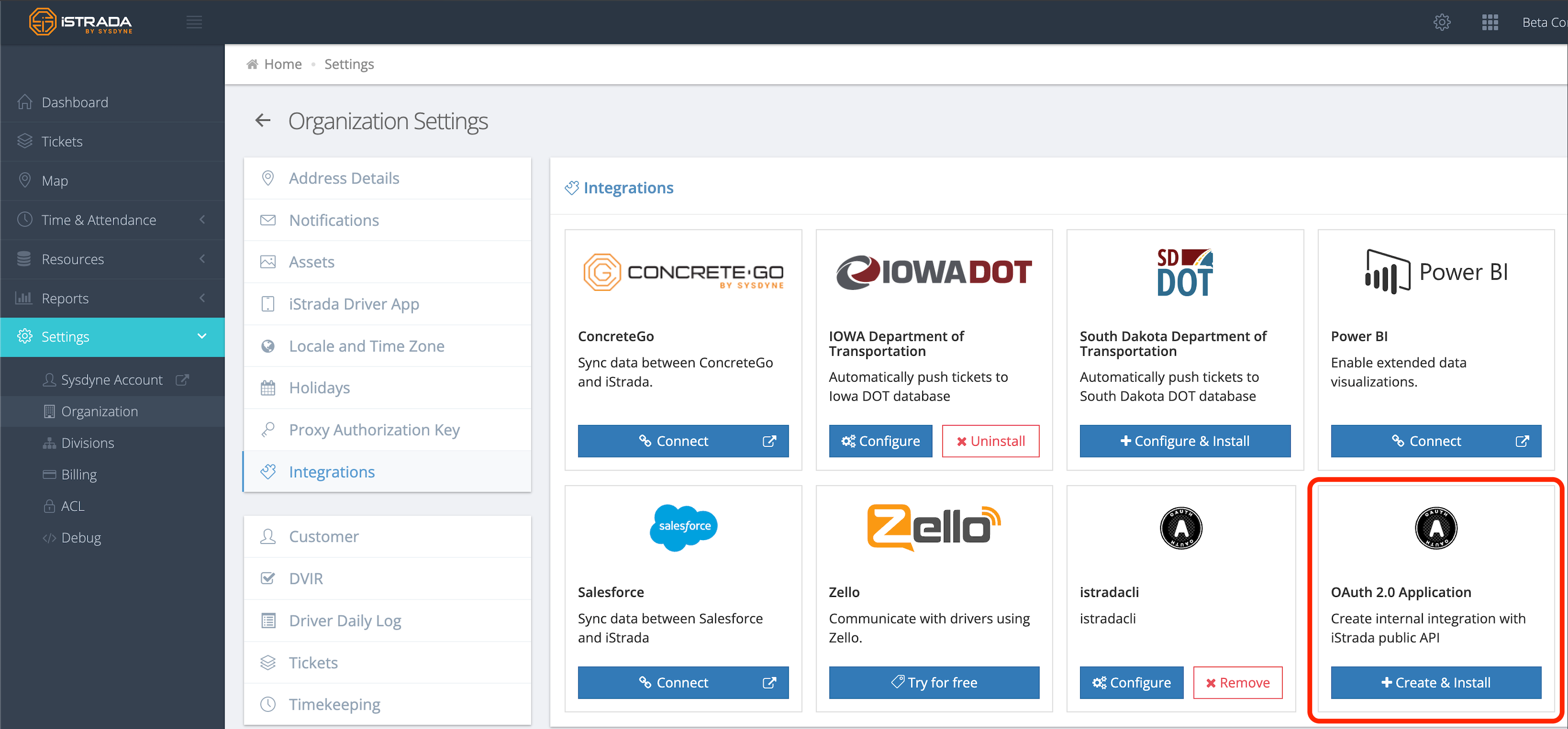
- Go to the
Settings->Organizationpage. - Click on the
Integrationstab. - Find the
OAuth 2.0 Applicationsection and click on theCreate & Installbutton.
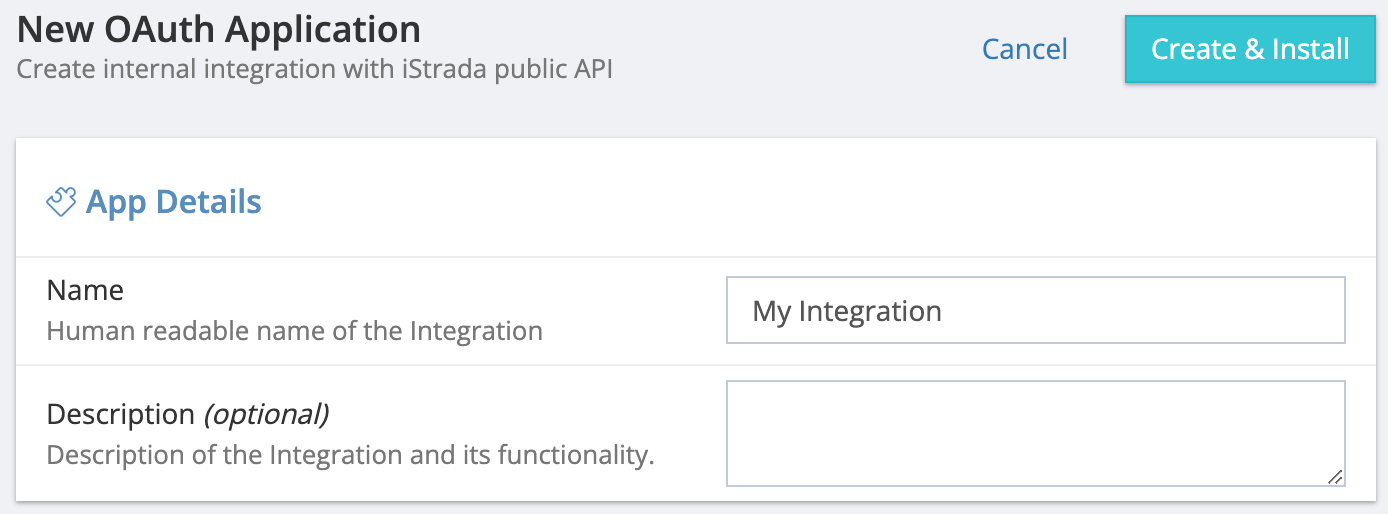
- Fill in the required fields:
- Name: The name of your integration.
- Description: A short description of your integration.
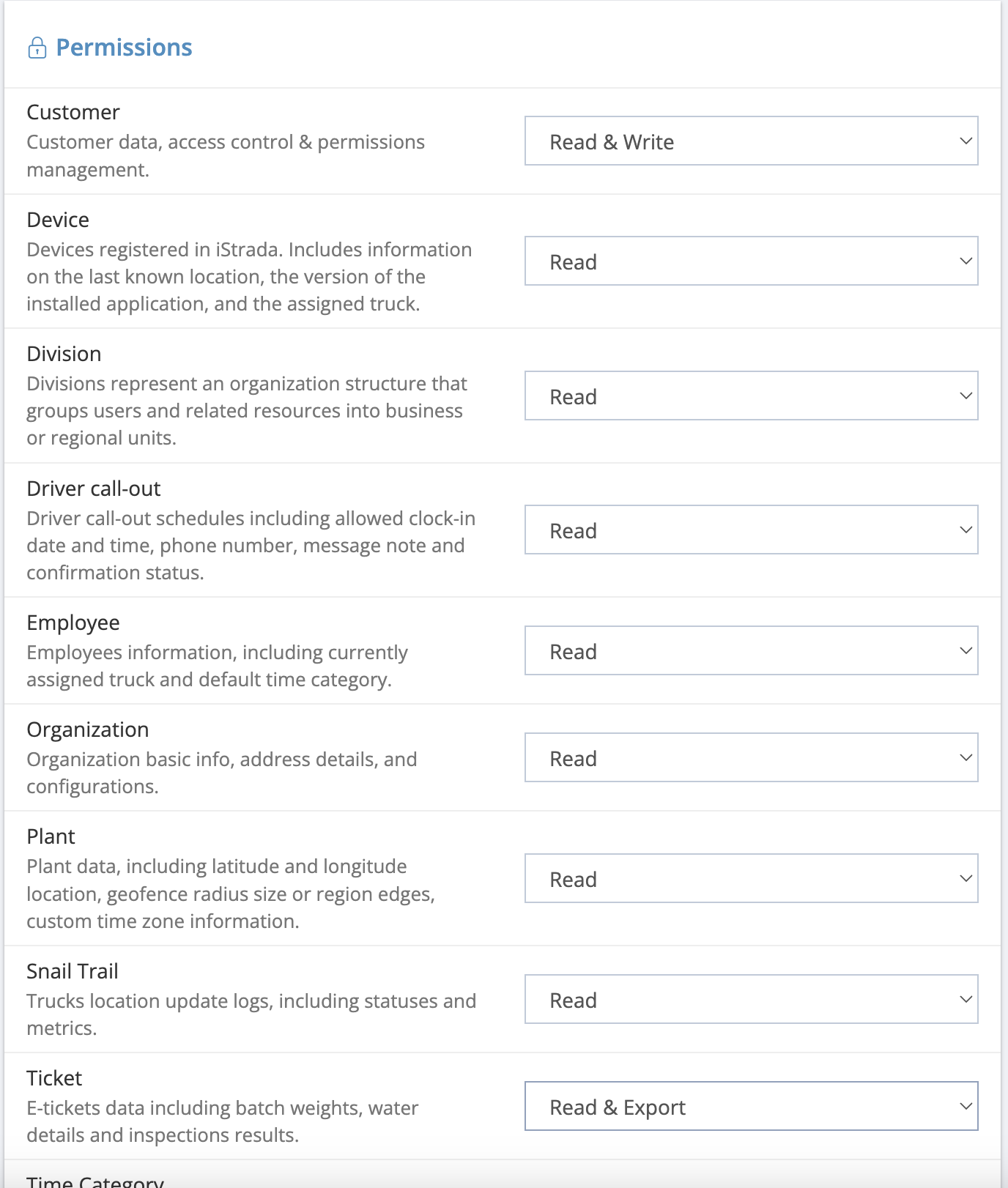
- Select the permissions you want to give your app. For more information, check out the Permissions & Scopes documentation.
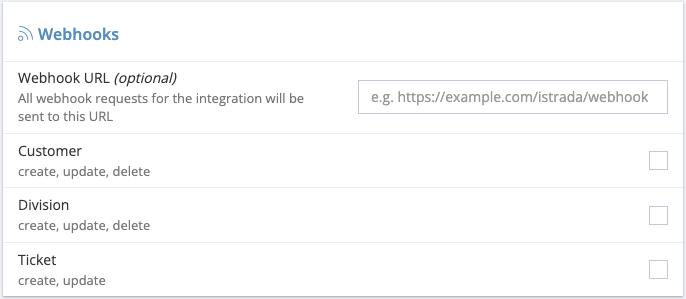
- Select the webhooks you want to enable for your app.
- Click on the
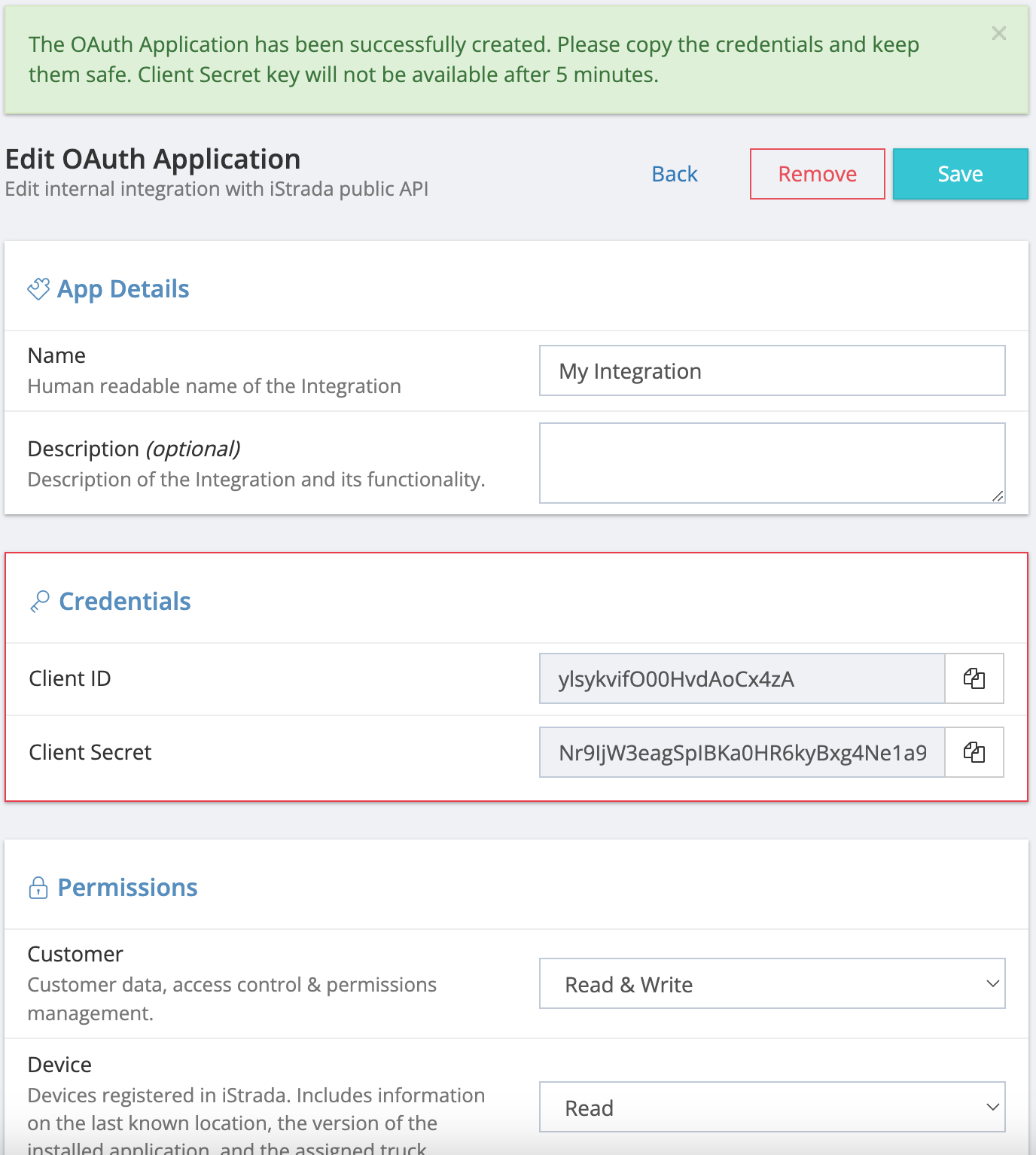
Create & Installbutton. Save Client ID and Client Secret for future use. These credentials will be visible on UI for the next 5 minutes only.